
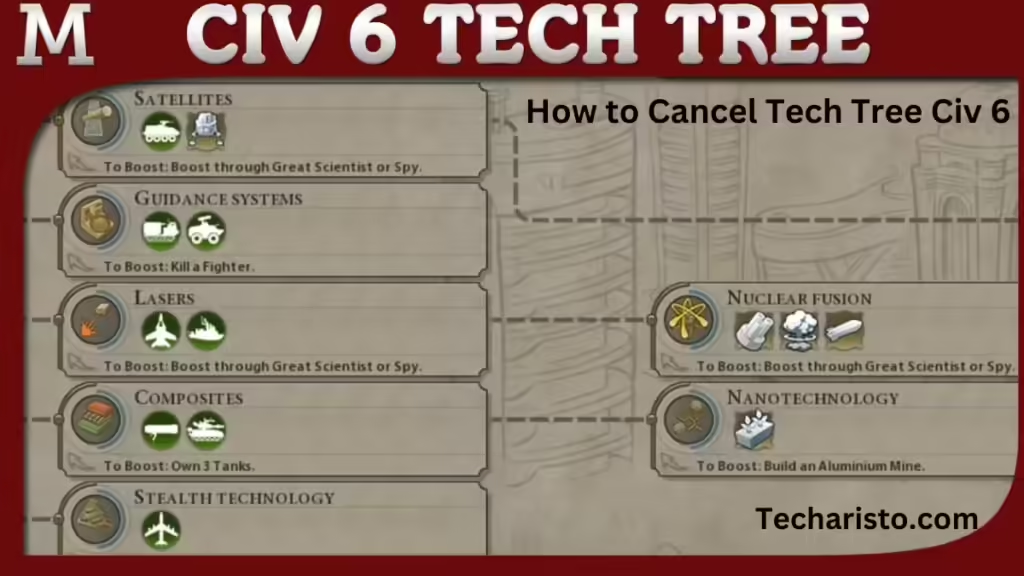
A key part of the game is going through the tech tree. As you move up the tree, things might happen or plans might change that make you cancel or switch research. We’ve made a simple guide that shows you how to cancel technology research on all panels and platforms and gives you some basic tips for handling your tech tree.
Canceling Technology Research on PC
- Access the Tech Tree: Start the game and find the tech tree by pressing the technology symbol at the top of your display.
- Switch to a New Technology: If you want to cancel your ongoing research, simply pick another tech. This will replace your current tech choice and stop the research.
- Queue Management: If you’ve queued many techs, you can right-click on any to remove it from the queue. This lets you rearrange your research order.
- Limitations: If you’ve started learning about a technology, you can’t totally undo the progress. But, you can switch to a different technology and come back later if you want.
Canceling Technology Research on iOS
- Open the Tech Tree: Click the tech icon on your display to reach the tech tree.
- Select Another Technology: Click on a new technology to change your research, canceling the existing one right away.
- Interface Considerations: Make sure your gadget picks up your touch right. If your choice doesn’t look like it’s working, turning it off and on again might make the game work better.
- Addressing Issues: If things don’t look different, it might be because of things unique to your device. Make sure you did everything right and open the app again if you need to.
Interesting Post Sugession: TBG95 Free Unblocked Games to Enjoy
Canceling Technology Research on Consoles
- Navigate to the Tech Tree: Use your controller to get to the tech tree by clicking on the tech icon.
- Choose a New Tech: Choose the tech you want and it will replace the one you’re researching now.
- Controller Limitations: Make sure you know where the buttons are to move around easily. Sometimes, it’s not as easy to understand as on a computer.
- Potential Issues: If you have problems choosing, make sure your console’s software is up-to-date because this can affect how well the game works.
Tips for Effectively Managing Your Tech Tree
- Strategic Planning: Make a simple, long-term plan for your tech decisions. Think about your civilization’s strong points and the present situation of the game.
- Flexibility: Get ready to change your research plan if the game situation changes, like if an enemy makes strong military moves.
- Utilize Boosts: Play games that give you research benefits, helping you move faster through the tech tree.
- Balanced Approach: Don’t just concentrate on one part of the tech. Make sure you improve all areas of your tech tree to stay in the game.
Conclusion:
By learning how to cancel and control your tech research in Civilization VI, you can keep an advantage, quickly adjusting to any problems that come up. No matter if you’re playing on a computer, iPhone, or game console, these tips will help you move through the tech tree easily and quickly.