
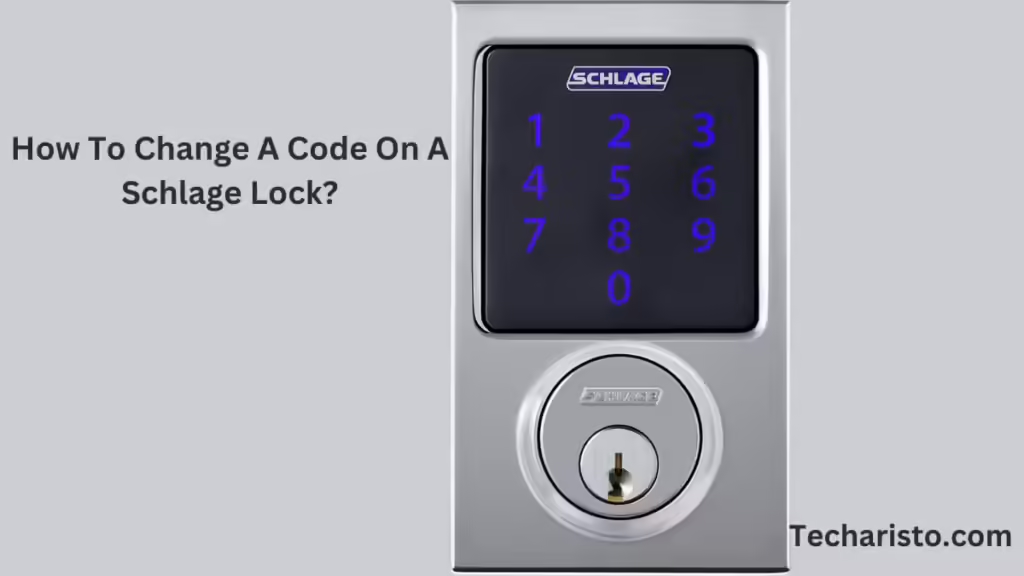
Schlage locks are quickly increasing in popularity because they are easy to use and improve security. They are a keyless way to keep spaces safe for individuals. If you have these locks, you don’t have to worry about who can access your house because you can change the user codes for everyone else. This guide is going to show you how to easily change the code on your Schlage lock when you feel the need to, whether it’s for security purposes or just changing the number of users.
A Brief Overview of Schlage Locks
Schlage locks can help keep your home safe and give you control over who has access to it. When you have a keyless entry option, you won’t have to worry about losing a key and rekeying locks. Schlage locks can store multiple user codes, which allow family members to enter the locked house without having to keep track of the master key. They are, therefore, perfect for families as well as Airbnb hosts who are security conscious.
If you want to avoid the situation that forgetting the password to your lock, you can prepare a few keys. If you want to decorate your keys, you can consider customizing keychains. You can try to customize keychains of different sizes, materials, and shapes. You can also add any elements you want to the keychains, such as pictures of your favorite stars, photos of you and your relatives and friends, etc. Custom Keychains can decorate keys and be seen as carriers of emotions. As long as you see the keychains, they can evoke good memories.
Step-by-Step Instructions to Change Your Schlage Lock Code
1. Locate the Programming Code
As a first step, you need to find the lock’s six-digit programming code before changing any user codes. This code is quite important if you want to enter the programming mode:
- The programming code can be found on the back side of the keypad or in the original user manual.
- In case you made any changes to the default code, be sure to have the updated one.
2. Enter Programming Mode
Once you have the programming code, follow these steps to enter programming mode:
- Unlock the Door: Make sure the lock is unlocked.
- Enter the Programming Code: Enter the six-digit programming code on the keypad.
- Wait for Confirmation: The Schlage button will turn orange and beep 3 times meaning you have successfully accessed the programming mode.
Interesting Post Suggestion: What is Code Error Ralbel28.2.5 and troubleshooting the issue?
3. Change the User Code
Now that you are in the programming mode, one of the user codes can be changed:
- Press the Schlage Button: Once the programming code is entered, hit the Schlage button and then ‘1’.
- Enter a New User Code: Now choose a memorable four-digit user code and enter it.
- Confirm the New Code: Re-enter the new user code to confirm the changes. A long beep and the green light of the Schlage button will flash, confirming that the code has been successfully updated.
4. Test the New Code
To avoid mistakes, use this new code to check everything:
- Close the Door: Make sure the door is closed securely.
- Enter the New Code: Use the new user code to unlock the door.
- Verify Functionality: Ensure the lock opens and closes without any error with the new code.
Interesting Post Suggestion: How To Factory Reset MacBook Pro Without Password
Additional Tips for Managing User Codes
- Deleting a User Code: To delete a user code, go to programming mode, press the Schlage button, and then “2.” Type the code you want to delete and re-enter it to confirm deletion.
- Factory Reset: You can factory reset the device to reset all the codes to defaults. To do this, you need to remove the battery, press the Schlage button, place the battery back, and then hold the Schlage button until it beeps and turns green.
- Record Your Codes: To avoid being locked out, always store your programming and user codes in a safe place.
Conclusion:
It’s easy to update the code on your Schlage lock. If you lose or forget the code, you’ll have the option to modify it in the future. As instructed above, you can add or remove users so that your house is only accessible to authorized individuals. With Schlage locks, the comfort and protection of your home are guaranteed.
Interesting Post Suggestion: How To Close Dialog That Is Open In OneNote?